What’s New in Web Design — November 2025
1. Immersive & 3D Visual Experiences
6
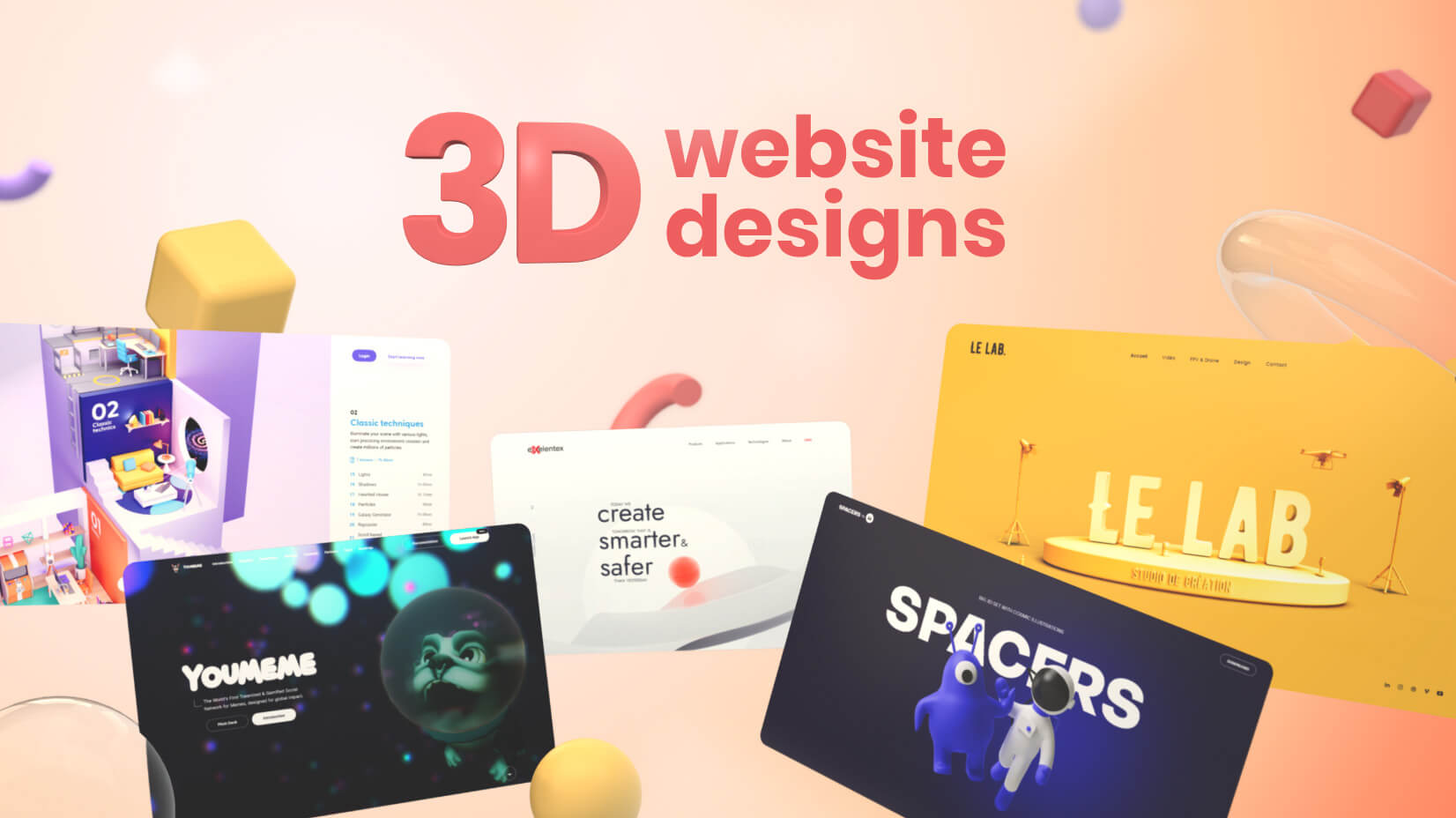
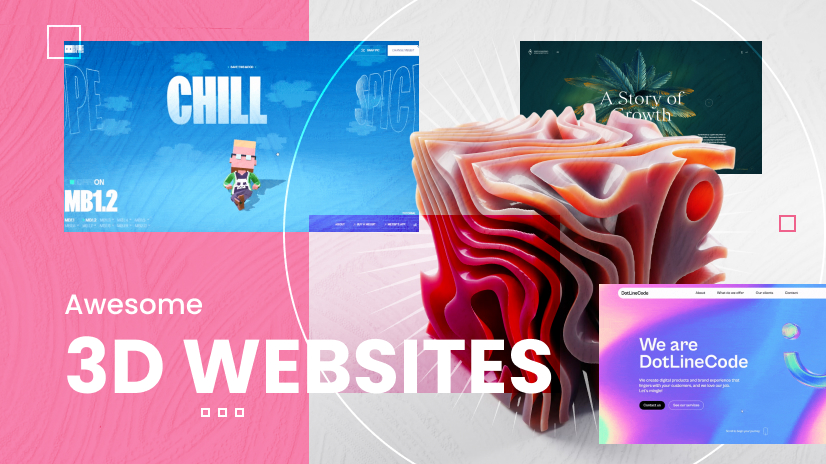
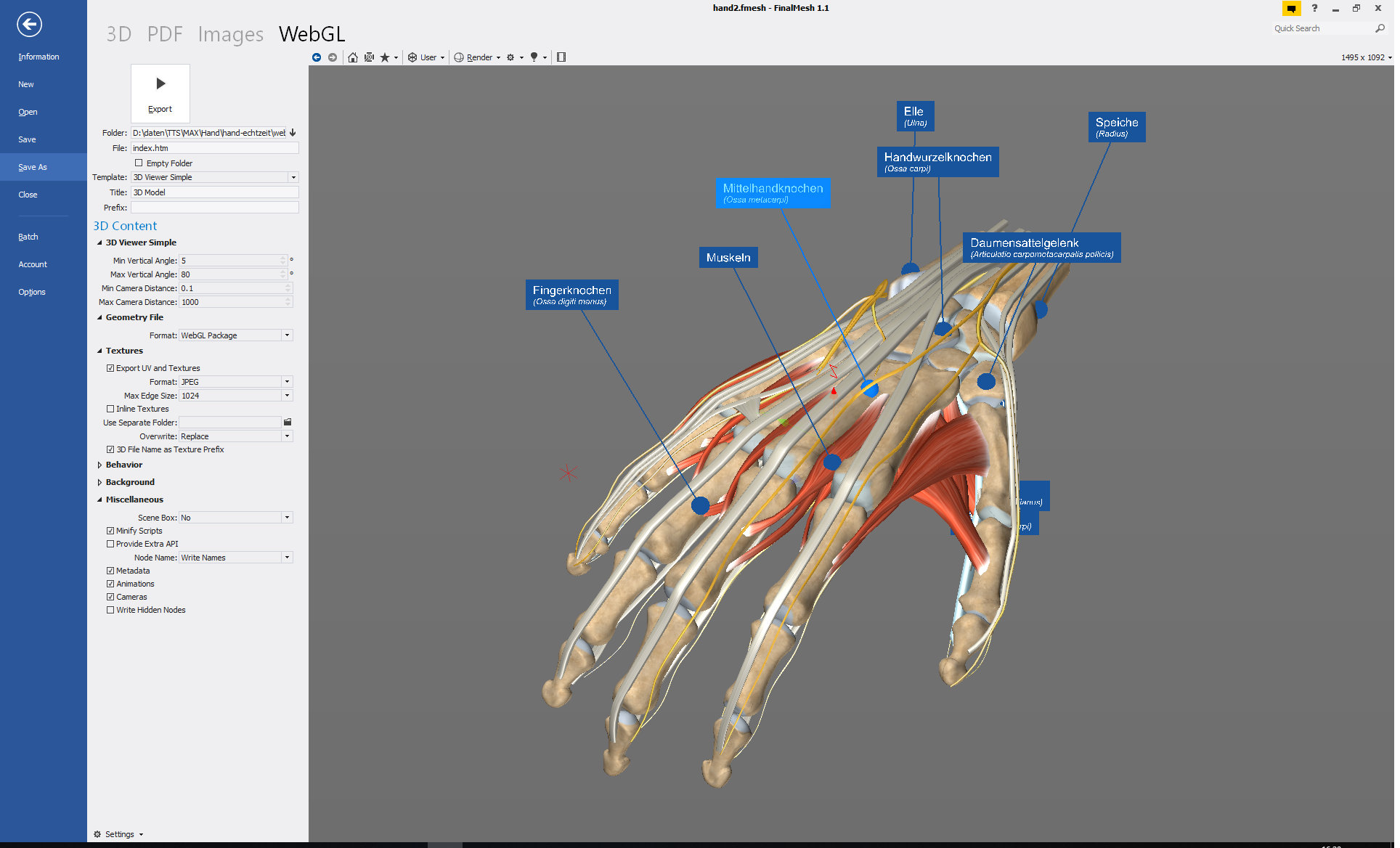
In 2025, designers are turning websites from flat pages into immersive experiences. 3D elements, interactive models, and depth-rich visuals are becoming more common. Muzli – Design inspiration hub+1
- Use of tools like WebGL and GSAP enable animated, interactive visuals. Muzli – Design inspiration hub+1
- These techniques help engage users longer, but must be handled carefully because performance and loading times remain important. globdig.com+1
Tip: If you’re designing or redesigning a site, consider 3D or motion elements for key sections (hero, product view, “about” page), but drop back to simpler visuals on mobile or slower connections for performance.
2. Performance, Speed & Sustainability
6
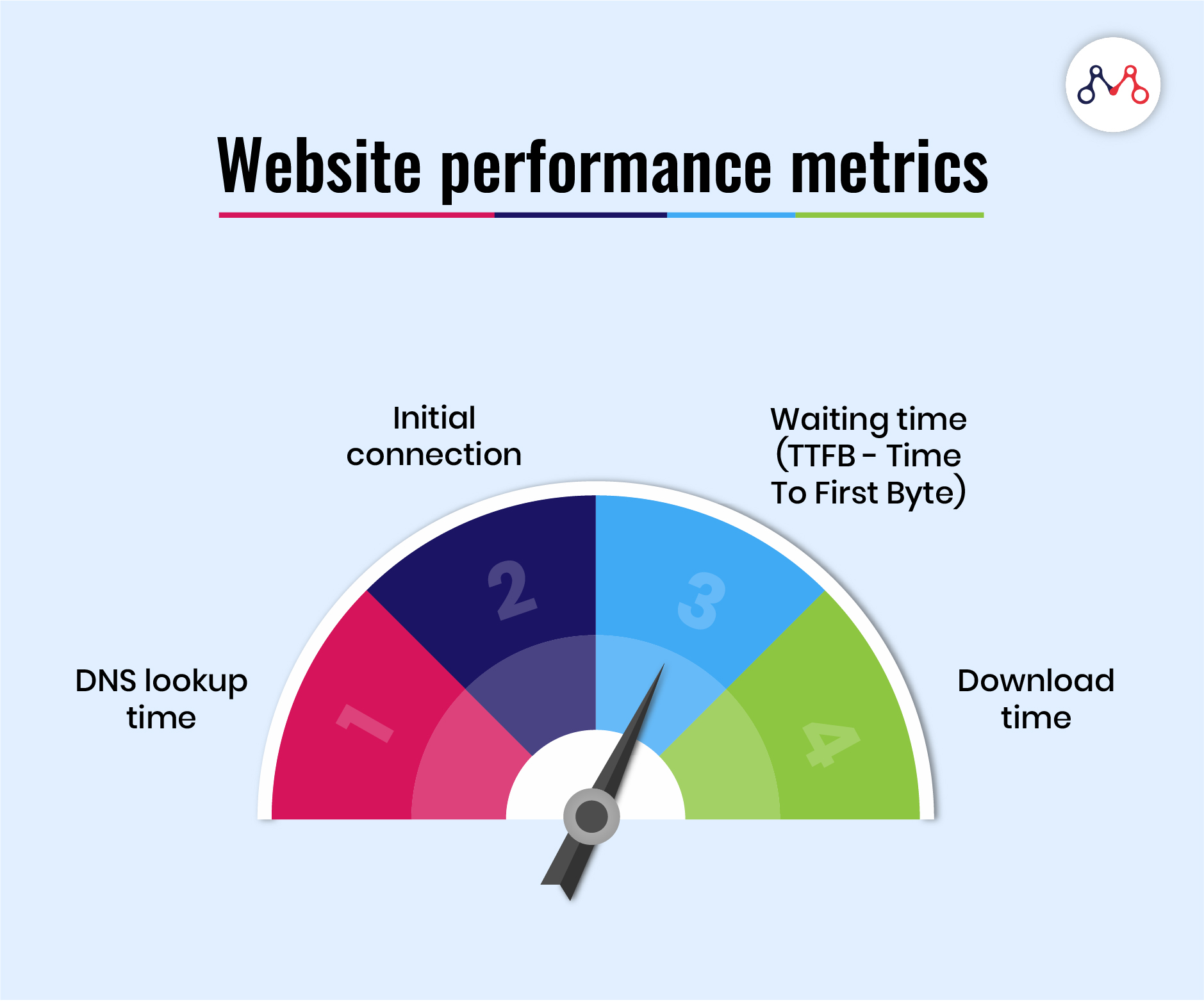
The pressure’s on: websites must load fast, perform smoothly, and be kind to the user (and the planet).
- According to recent commentary, “speed has always been a priority, but in 2025 … sites that load in under three seconds experience drastically lower bounce rates.” Medium+1
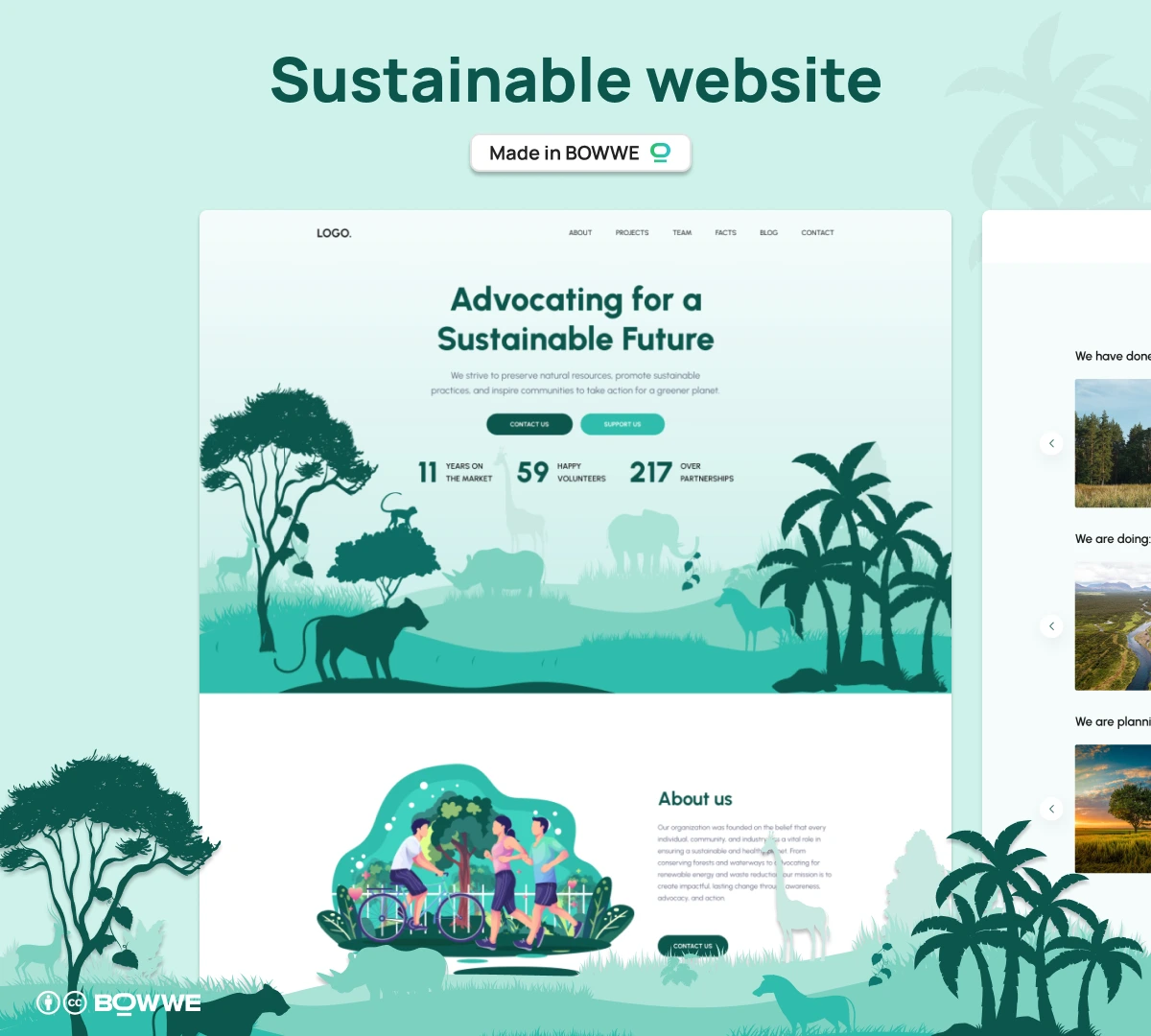
- There’s a growing focus on “sustainable web design” — reducing energy usage, lighter asset loads, eco-friendly hosting. Wise Advertisement+1
Tip: Audit your site’s Core Web Vitals, compress assets, use lazy loading, and consider where heavier visuals (e.g., 3D) might need fallback or optimisation.
3. Micro-Interactions, Motion, Scroll Storytelling

6
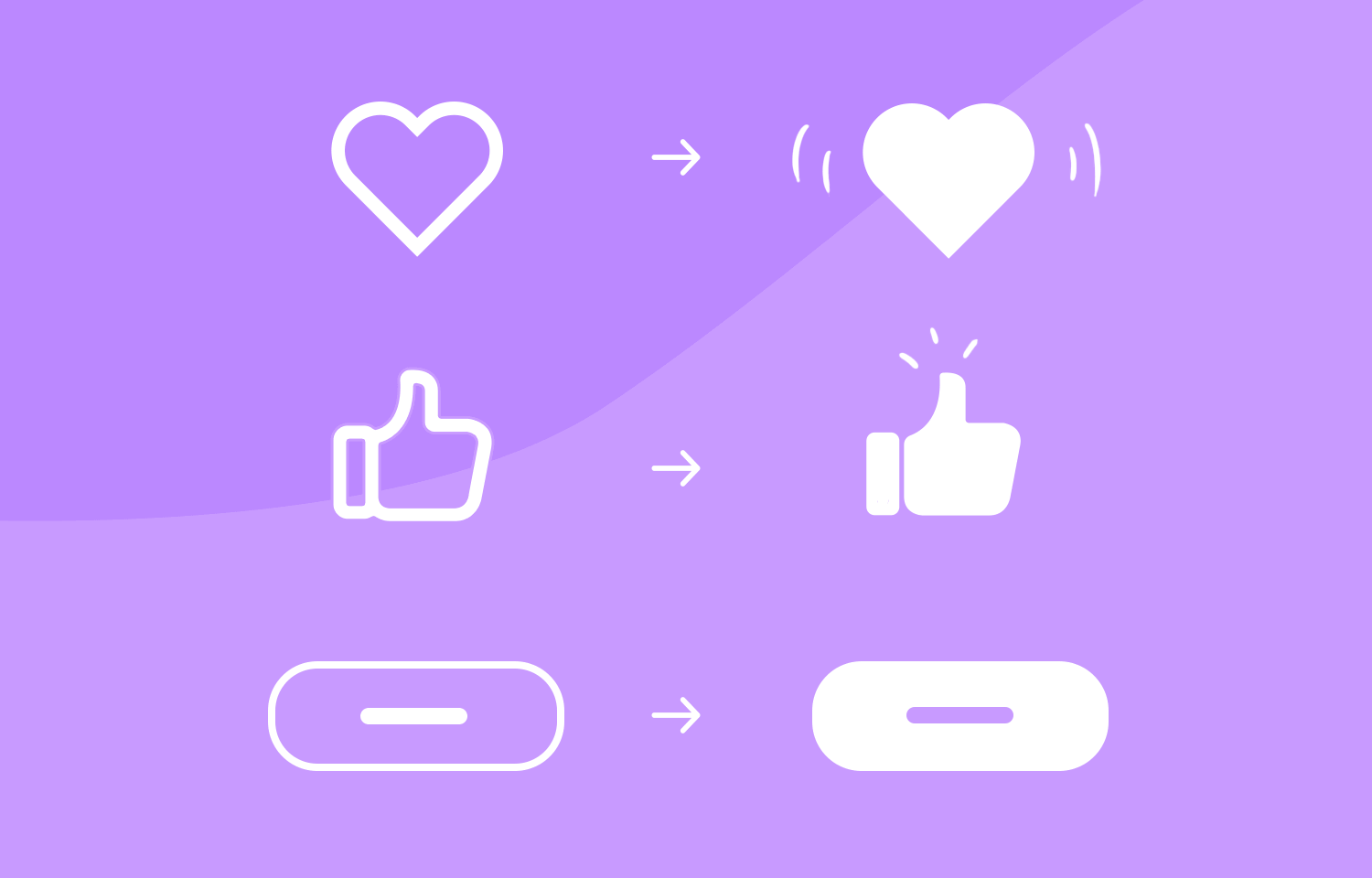
Designers are adding subtle motion and interaction cues to bring websites to life.
- Micro-animations (hover states, buttons, scroll triggered effects) are becoming standard to guide users and add delight. Grover Web Design+1
- Scroll-based storytelling (where movement through the page triggers change, reveals, animation) is gaining traction. LinkedIn+1
Tip: Use motion to guide attention (e.g., call-to-action buttons) but provide options or fallback to reduce motion for accessibility (some users prefer reduced motion).
4. Dark Mode, High Contrast & Futuristic Aesthetics

6
Dark mode is no longer a novelty—it’s becoming a staple. At the same time, “futuristic” aesthetics are influencing layout, typography and visuals.
- Dark mode usage continues to climb; pairing it with high-contrast visuals and neon/or electric accent colours is trending. Web Design Toronto | Avanto Solutions+1
- The “futuristic, sci-fi gaming UI” aesthetic (glows, holographic elements, layered depth) is creeping into mainstream web design. webflow.com+1
Tip: If your brand lends itself to a sleek, tech-savvy look (e.g., startup, SaaS, e-commerce), experiment with dark mode + bold accent colours + subtle glow/lighting effects—but maintain readability and ensure contrast meets accessibility standards.
5. Accessibility, Inclusivity & Voice/Alternative Interfaces
6
Inclusivity is increasingly non-optional in web design. Websites are expected not just to look good, but to work for everyone.
- Accessibility is built into design rather than “bolted on”—keyboard navigation, screen-reader friendly layouts, inclusive design practices. Medium+1
- Voice interfaces and gesture-based navigation are also gaining attention—especially in contexts like smart devices, wearables, and emerging interaction patterns. Medium+1
Tip: Always include basic accessibility checks (contrast ratio, keyboard access, alt tags). If budget allows, test with assistive tech. Also, think about how your design works in non-traditional contexts (voice, TV, wearable screens).
6. Authentic, Human-Centred Design (vs Template Overuse)
6
There’s a shift against generic “same-as-everyone-else” templates. The emphasis is on personality, authenticity, and human-centred design.
- Some designers are embracing “brutalism” or “anti-design” (raw layouts, asymmetry, imperfect elements) as an aesthetic response. nika.agency+1
- Hand-drawn illustrations, organic textures, bold typography and distinctive visuals are favoured over purely polished, corporate-looking sites. Wise Advertisement
Tip: For brands wanting to differentiate themselves (art & culture, boutique, creative services), lean into genuine visuals, custom illustrations, unique layouts. Just ensure usability remains strong.
7. AI, Personalisation & Smarter Tools
6
The tooling around web design continues to evolve rapidly thanks to AI and no/low-code platforms.
- AI is being used for visual asset generation, content suggestions, personalisation of user experience. Muzli – Design inspiration hub
- Low/No-code design tools (e.g., builders) are lowering entry-bars—designers are doing more without heavy code. > “What once needed a full developer team can now be done by one person using modern, AI-driven design tools.” Reddit
Tip: Use AI and modern tools to streamline your workflow, but keep human oversight on creative decisions and brand voice; don’t rely on “auto-everything”.
What to Watch Out For & What’s Fading
- Overly heavy 3D/animation without performance optimisation → slows pages, hurts UX & SEO.
- Generic templates with no brand character are increasingly viewed as “out”. LinkedIn
- Design trends that prioritise style over substance (e.g., flashy visuals with weak function) will lose favour.
- Minimalism isn’t dead, but the “sterile white-box” minimalism is evolving into “purposeful minimalism” that combines clarity with distinct brand voice. Zenesys
Practical Takeaways for Web Designers & Owners
- Audit existing sites for speed, accessibility, and mobile performance.
- For a redesign: choose 1-2 of the trendy elements (3D, dark mode, bold typography) and pair them with solid baseline usability.
- If you use motion or animation, always provide a fallback or option for reduced motion (accessibility).
- Use data and user-testing to validate whether “wow” visuals actually improve metrics (dwell time, conversion) for your audience.
- Stay brand-true: a fashion-forward site might embrace futuristic aesthetics; a law firm probably needs a more conservative, clean approach.
- Monitor tooling: the gap between “designer only” and “coder required” is narrowing — consider what tools your team uses and whether new tools might speed up your workflow.